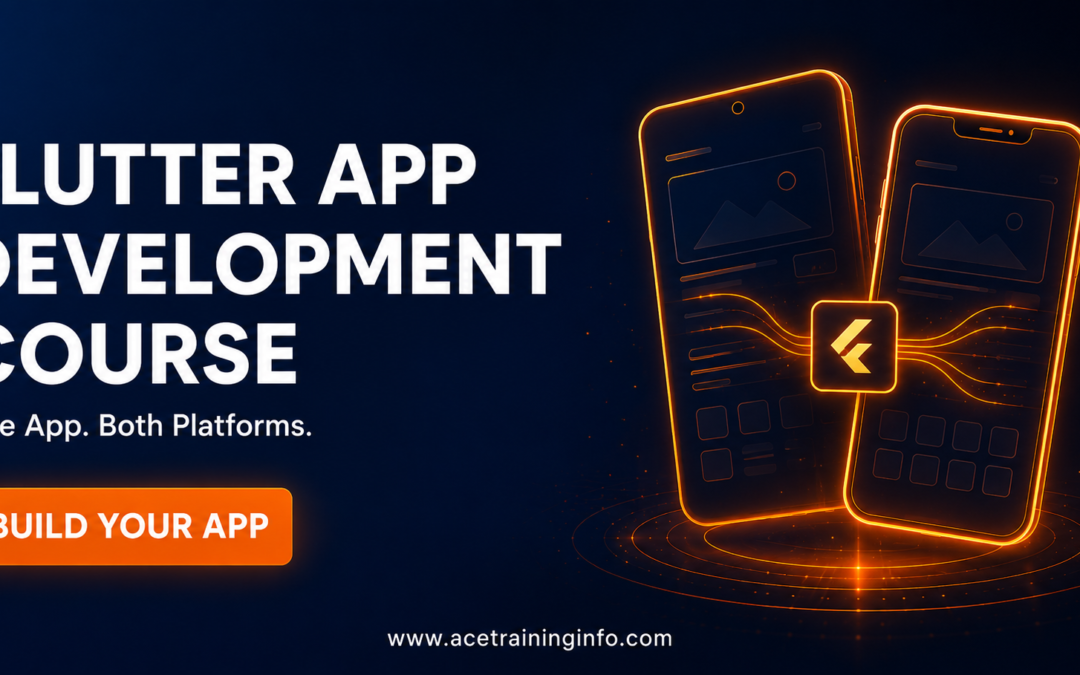
Here’s a question that trips up almost every beginner exploring mobile development: do you learn Android development separately, iOS development separately, double your learning time and effort — or is there a smarter way?
There is, and it’s called Flutter. A well-structured Flutter app development course in Madurai teaches you to write your app’s code once and deploy it on both Android and iOS, which is exactly why Flutter has become one of the most practical entry points into mobile app development for new learners and businesses alike.
What Flutter Actually Is (In Plain Terms)
Flutter is a framework created by Google that lets developers build mobile applications using a single codebase, which then runs natively on both Android and iOS devices. Instead of learning Java/Kotlin for Android and Swift for iOS separately — essentially two different skill sets — you learn Dart (Flutter’s programming language) once, and your app works across both major mobile platforms.
For learners and businesses alike, this cuts development time, cost, and learning curve significantly.
Why Flutter Is a Smart Choice Right Now
1. One Skill, Two Platforms
This is Flutter’s single biggest advantage. Instead of splitting your learning time and effort across two separate ecosystems, you concentrate on mastering one framework that covers both major markets.
2. Backed by Google, Actively Growing
Flutter has strong, continuous backing and a rapidly growing developer community, meaning better long-term support, more learning resources, and more companies adopting it for real projects.
3. Strong Fit for Startups and Small Businesses
Many startups and small-to-medium businesses prefer Flutter specifically because it lets them launch on both platforms without doubling their development budget — this translates directly into consistent hiring demand for Flutter developers.
4. Beautiful, Native-Feeling UI Out of the Box
Flutter’s widget-based design system makes it genuinely easier to build polished, professional-looking interfaces compared to some cross-platform alternatives — a real advantage if you also have interest in the UI/UX side of app building.
How Flutter Fits Into a Broader Development Career
Flutter development isn’t an isolated skill — it connects naturally to broader development knowledge. If you’re already exploring or have background in Frontend / backend developer courses in madurai, you’ll find a lot of transferable concepts: component/widget-based thinking, state management, and API integration all carry over between web frontend work and Flutter mobile development, making this a strong complementary skill rather than a completely separate learning path.
What a Solid Flutter Course Should Cover
- Dart programming fundamentals — the language Flutter is built on
- Flutter widgets and UI building — constructing real, responsive interfaces
- State management — handling data and app behavior as your app grows in complexity
- API integration — connecting your app to real backend services and data
- Local storage and databases — handling data that needs to persist on the device
- Publishing to Play Store and App Store — the actual real-world deployment process, not just local testing
- At least 2–3 real, functioning apps built during the course, ideally published or publishable
Who Should Learn Flutter
- Aspiring mobile app developers who want to avoid learning two separate native ecosystems
- Web developers looking to expand into mobile without starting from scratch
- Entrepreneurs and freelancers who want to build and launch their own app ideas efficiently
- Students wanting a practical, in-demand skill with genuine startup and business appeal
Realistic Timeline and Career Outcomes
Most focused, project-based Flutter courses run 3–5 months for someone with basic programming familiarity. Look specifically for programs offering genuine 100% Placement Support Courses At Madurai — meaning real portfolio-building, mock interviews, and active connections to companies hiring mobile developers, not just training content.
Typical roles after training include Junior Flutter Developer, Mobile App Developer, and Cross-Platform App Developer — roles increasingly in demand as more businesses prioritize efficient, budget-conscious mobile development.
Flutter vs Native Development — A Quick Comparison
| Factor | Flutter (Cross-Platform) | Native (Android/iOS separately) |
|---|---|---|
| Learning time | One language, one framework | Two separate ecosystems to learn |
| Development cost for businesses | Lower — single codebase | Higher — separate codebases needed |
| Job market | Growing steadily, strong startup demand | Established, especially for large enterprise apps |
| Best for | Startups, small-medium businesses, efficient learners | Large enterprises needing deep platform-specific features |
FAQs
Q1: Do I need prior programming experience to learn Flutter?
Basic programming logic helps, but Dart (Flutter’s language) is considered beginner-friendly, and structured courses typically build up fundamentals before diving into app development.
Q2: Can I really publish the same app on both Android and iOS from one Flutter project?
Yes — this is Flutter’s core advantage. With some platform-specific adjustments, your single codebase can be published to both the Google Play Store and Apple App Store.
Q3: Is Flutter better than learning native Android or iOS development?
It depends on your goals. Flutter is generally more efficient for most learners and businesses due to the single-codebase advantage, while native development can offer deeper platform-specific capabilities for very specialized enterprise apps.
Q4: How long does it take to become job-ready in Flutter development?
Typically 3 to 5 months of focused, project-based learning, assuming you build multiple real applications during the course.
Q5: Is there real job demand for Flutter developers?
Yes, and it continues to grow steadily as more startups and businesses prioritize cost-efficient, cross-platform mobile app development.
Ready to Build Your First Real App?
If you’re serious about becoming a mobile app developer without splitting your effort across two separate platforms, let’s map out the right learning path for you. Contact our team here to get started.